eMeet – Meeting Room Booking

About eMeet
A Lightweight phone application and web based platform concept design which allows staff members in companies to book meeting rooms and add additional requirements for their specific needs. This third party app will also allow for integration with calendars in other platforms such as Outlook or Google Calendar.
My role:
Designer
- Adobe XD
- Illustrator
- Photoshop
Problem
In large and small companies globally, in house meeting are something which occur on a daily basis. The problem remains that often platforms such as Outlook (for example) are used to do such; which are very efficient but often lack in usability at times and less emphasis on the UI.
eMeet is an application focused on making this process easier for the user focusing on three simple steps
- Visual engagement throughout the user journey
- Ability to add extras such as beverages/catering in app
- Ability to integrate with the users current calendar platform making accessibility cross functional
User Personas
Based on the researches and user needs, I created three personas for different user cases.



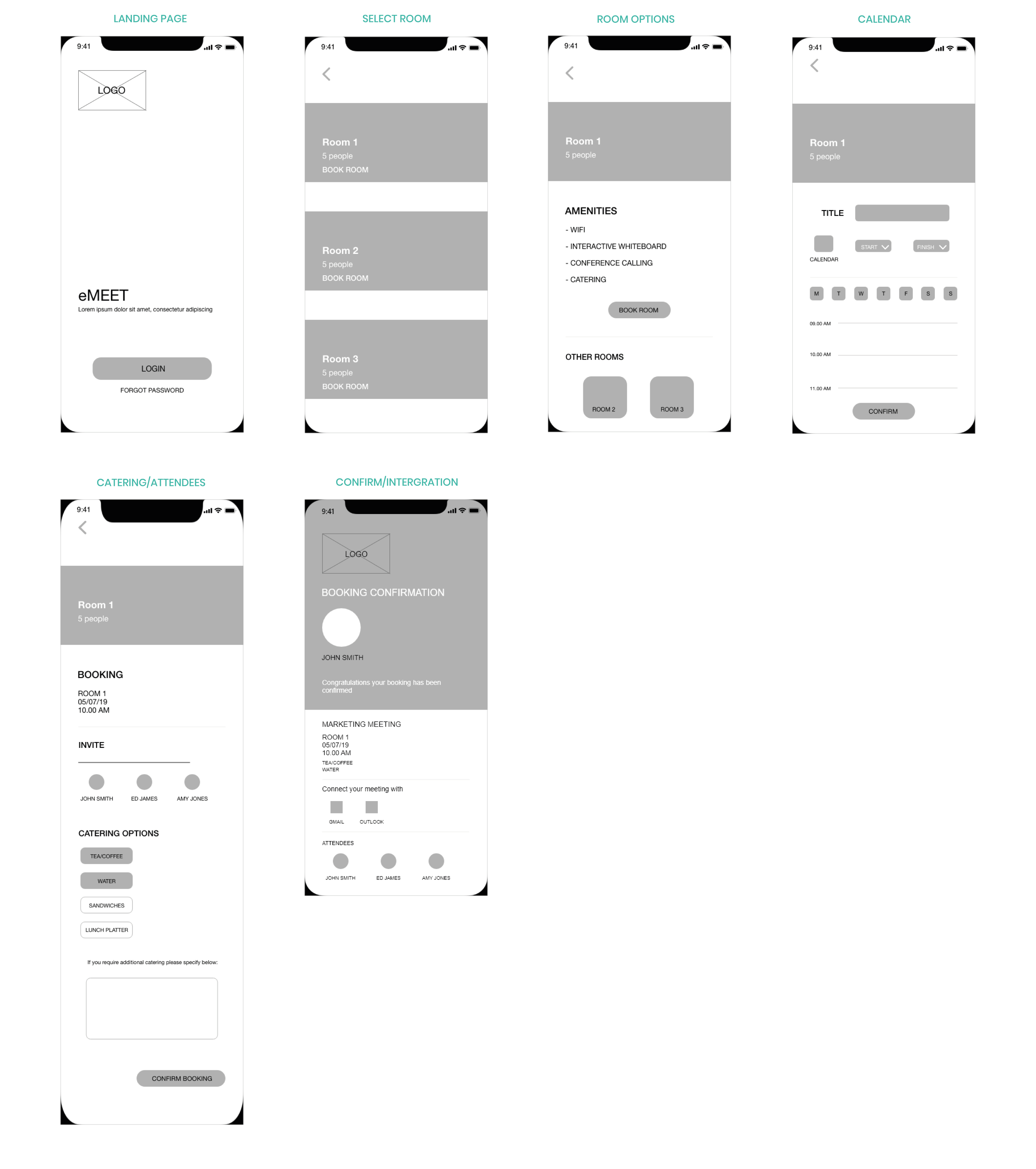
Wireframes
Creative Direction
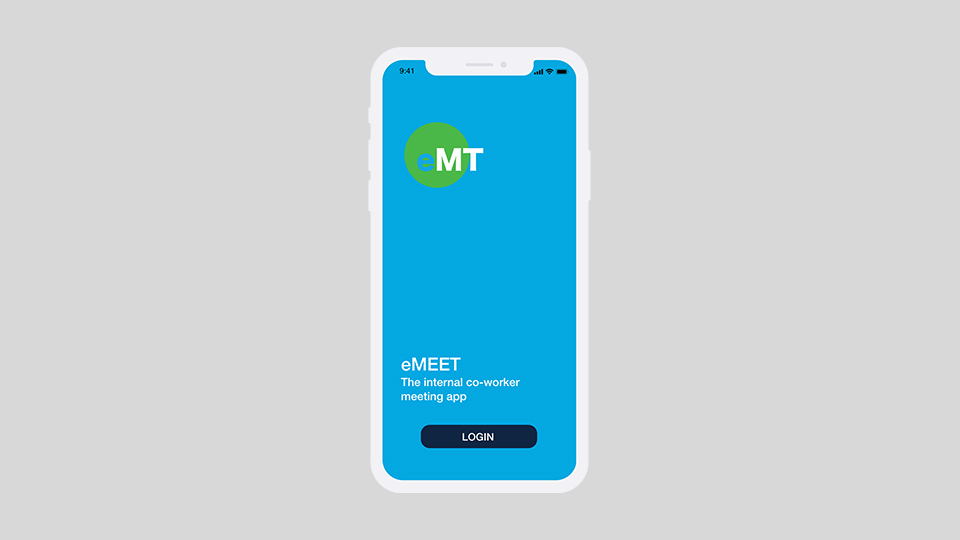
The login/Sign up process is very simple for the end user. New and existing staff members would simply be sent an email notification from eMeet with a generic username and password update option.
Book a Room
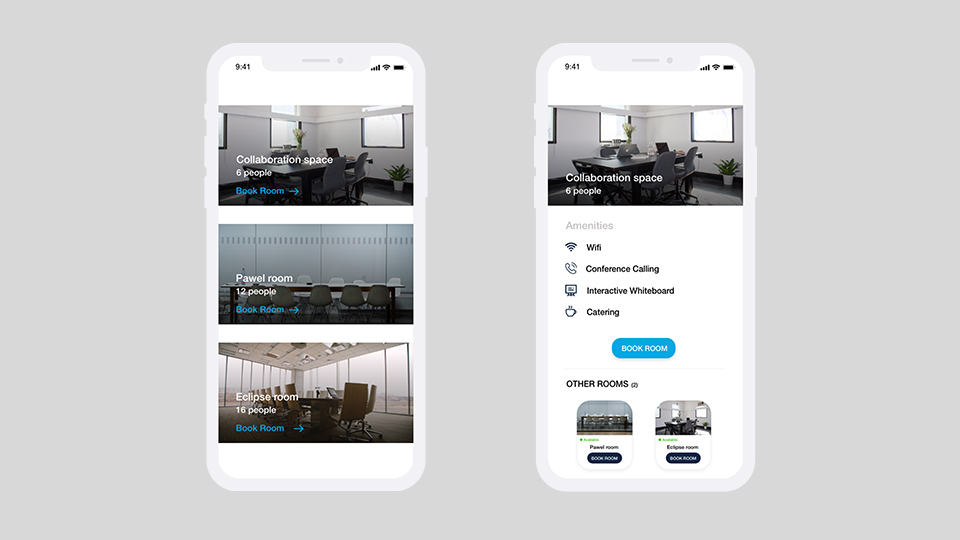
The booking process should never be complicated! As can be seen the first screen highlights which meeting rooms are available and the number of people it holds. The second screen also gives an overview of the amenities available, and if this doesn’t meet the user needs they can select another room within the same page.
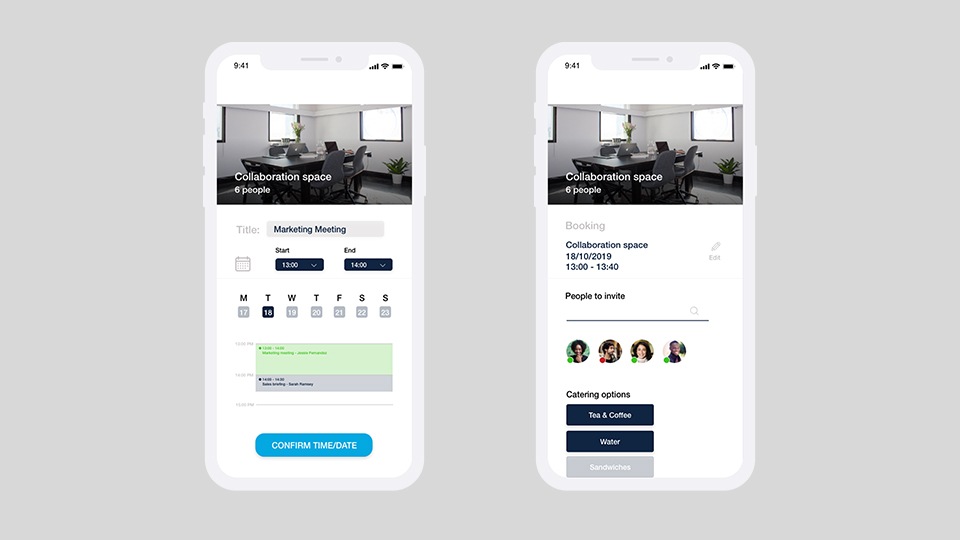
Schedule your meeting – users are able to input the meeting topic, time and date. In addition they have access to a snapshot of which times are available with unavailable slots highlighted in blue. the next step entails adding additional preferences such as catering options and inviting required stakeholders.
Calendar Intergration
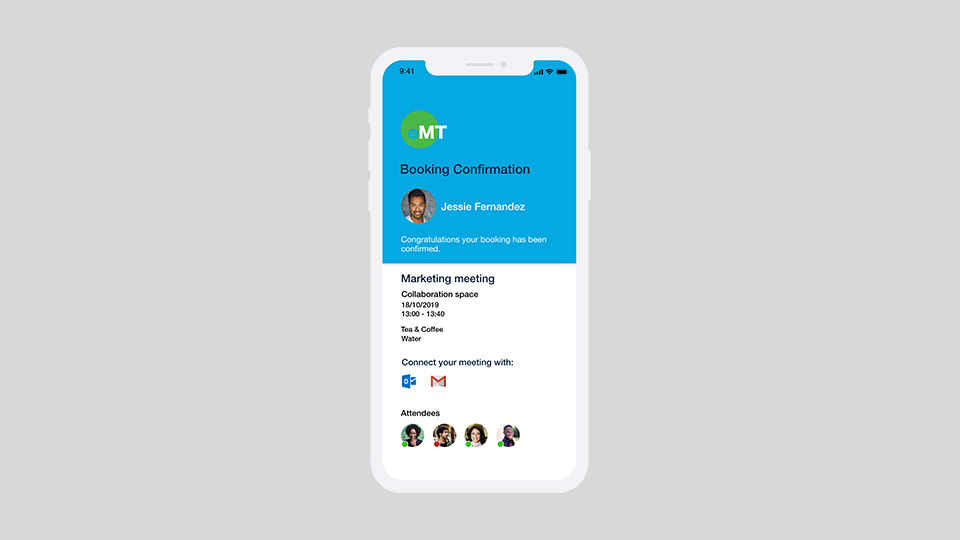
The confirmation provides gives an overview of the booking and the ability to sync with the an external calendar such as Outlook or Google calendars. In addition the confirmation will be sent to a designated member of staff; ideally a PA who will be able to log the request for to action special requests such as catering options.
Desktop
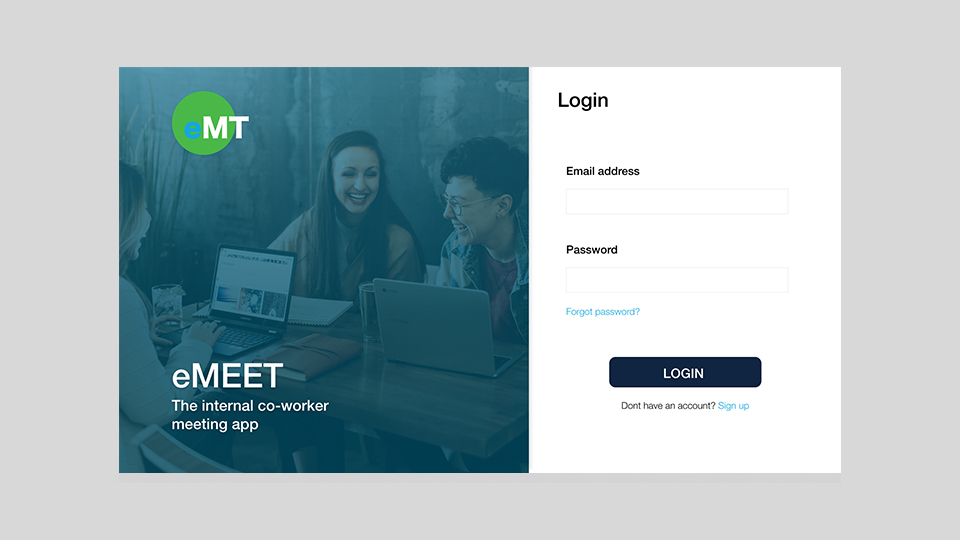
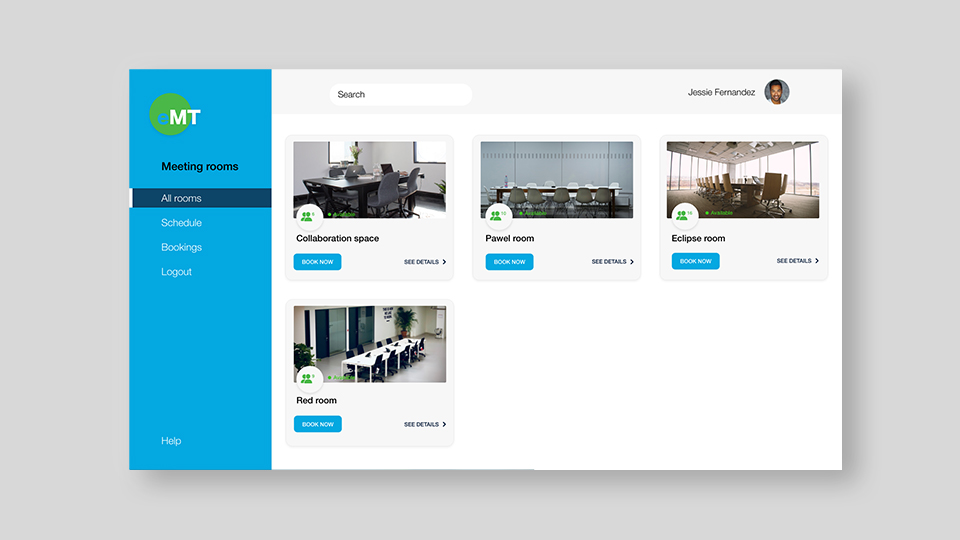

I have included some key screens from the Desktop version. The flow of content as the user moves through the site is smooth, visually appealing and uncomplicated meeting all of the stated objectives for the project.
Conclusion
A concept project based upon my experiences working for a range of organizations upon using a range of generic booking platfoms. I feel that delivering a lightweight solution was the most important outcome in addition to focusing on a UI which is neutral and could be used for a range of different organizations in a range of sectors.


